What you'll learn
Course Overview
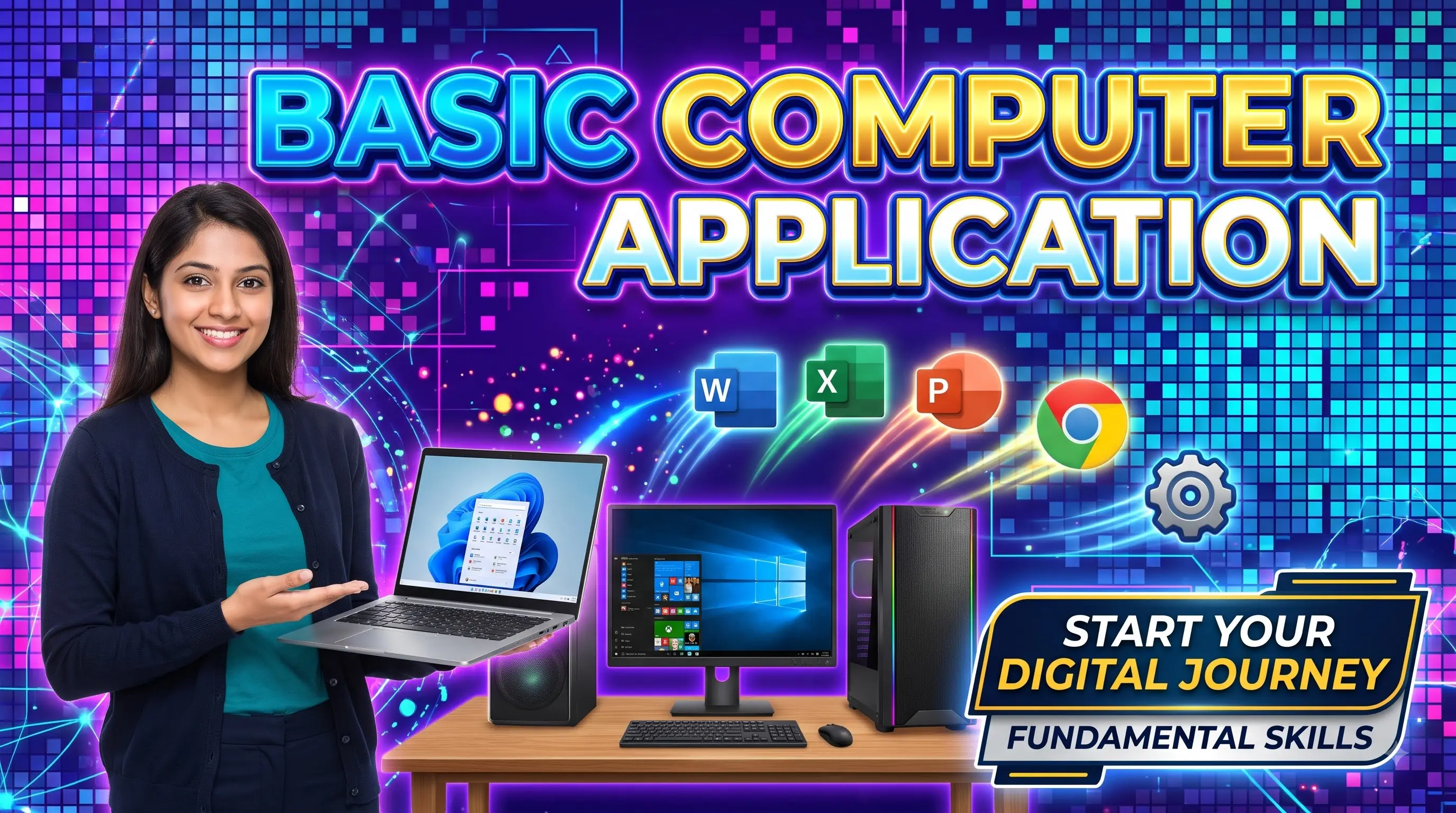
The Basic Computer program is a comprehensive, entry-level certification course crafted to bridge the digital divide. In today’s tech-driven environment, digital literacy is no longer optional—it is a fundamental skill required for education, career growth, and daily life management.
This course takes students from absolute zero—starting with basic hardware recognition and operating system navigation—all the way to creating professional business documents, handling financial data entry, designing visual presentations, and operating internet applications securely. Upon completing this course, students gain the confidence needed to handle administrative tasks, office desk jobs, and digital communications independently.
Key Learning Outcomes
- Operate Windows 10/11 operating systems smoothly and troubleshoot basic software issues.
- Master document creation, formatting, and layout design using Microsoft Word.
- Create structured spreadsheets, handle basic data entry, and perform essential math operations in Microsoft Excel.
- Design visual presentation decks for school, college, or workplace projects using Microsoft PowerPoint.
- Navigate web browsers, perform advanced web research, manage professional email communications, and apply digital security principles.
Show More
Course Syllabus
Module 1: Computer Fundamentals & Operating System
- Hardware & Software concepts (CPU, RAM, Storage, I/O devices)
- Windows OS navigation, desktop personalization, and control panel settings
- File System Management: creating, organizing, searching, and backing up folders
Module 2: Word Processing (MS Word)
- Document creation, text formatting, line spacing, and paragraph alignment
- Working with tables, graphic shapes, header/footer, and page layout
- Professional document design: resume writing, cover letters, and official memos
Module 3: Spreadsheet Basics (MS Excel)
- Workbook structure: worksheets, columns, rows, and cell formatting
- Basic mathematical operations & core functions (
SUM, AVERAGE, COUNT, MIN, MAX) - Data entry techniques, basic sorting, and worksheet printing options
Module 4: Presentation Design (MS PowerPoint)
- Creating slide decks, selecting templates, and setting layout themes
- Adding graphics, visual diagrams, transition effects, and audio/video inserts
- Delivering presentations and exporting files to PDF or video formats
Module 5: Internet, Email & Digital Security
- Web browser usage, bookmarking, and effective search engine techniques
- Email accounts management: drafting, attaching files, Cc/Bcc, and email etiquette
- Online safety: password management, identifying phishing scams, and secure downloads

 Bestseller